Track Calories From a Photo: How AI Food Tracking Works
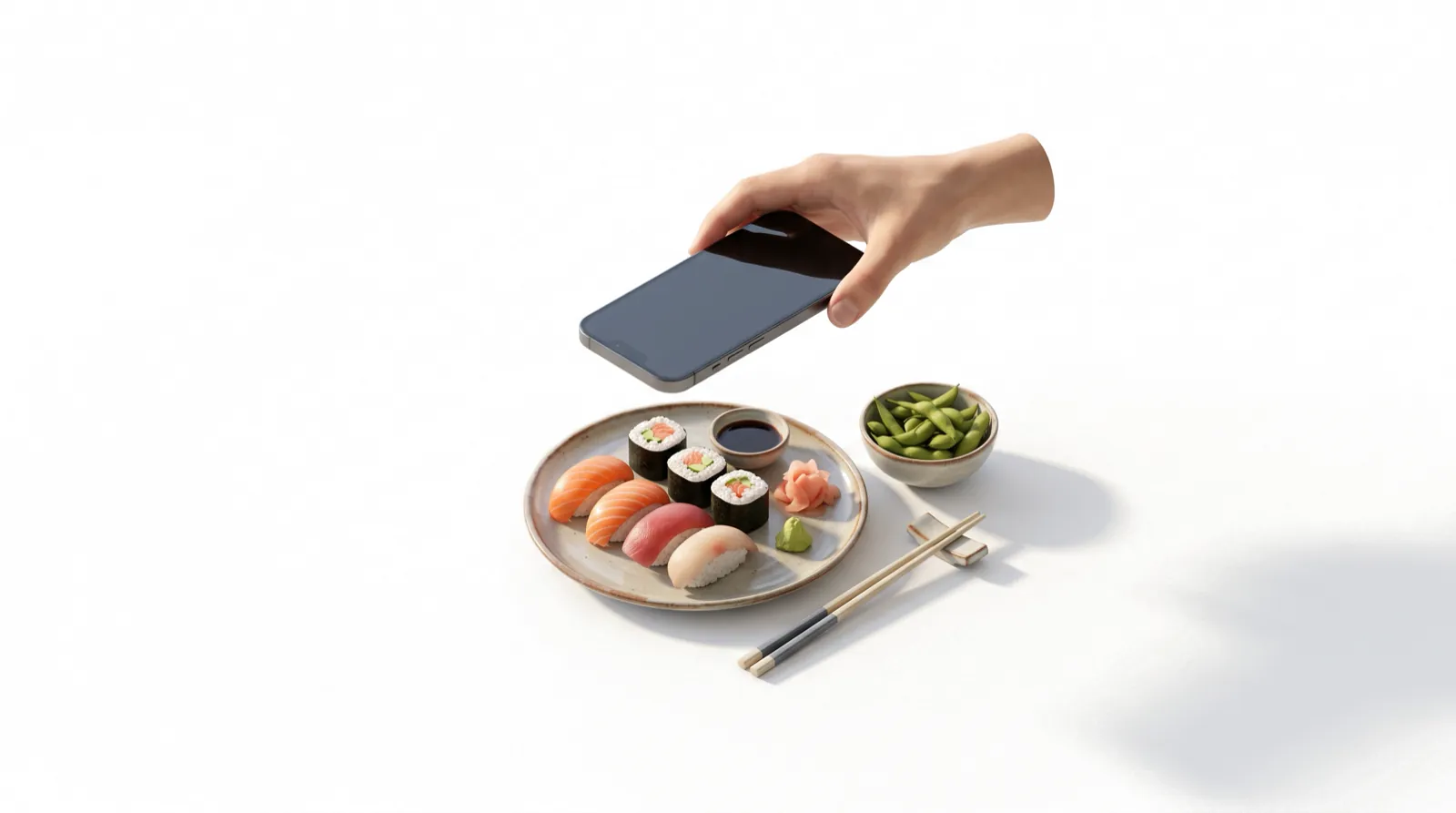
How does an app count calories from a picture?
An app that counts calories from a picture works in three steps: it identifies each food in the photo, estimates how much of each is on the plate, and looks up the calories in a nutrition database. Published tests report average calorie errors from under 1% to about 38%, with simple single foods estimated most accurately. The photo removes most of the typing. What it can't remove is uncertainty about portion size and the oil or sauce that a camera can't see.
This article explains each step, what the research says about accuracy, and how to take photos that give an AI calorie counter the best chance of getting it right.
Key takeaways
- Photo calorie trackers combine food recognition, portion estimation and a nutrition database lookup. Portion size and hidden ingredients such as oil are the hardest parts to get right.
- A 2023 systematic review of 52 studies found average AI calorie errors between 0.1% and 38.3%, lowest for simple, single foods.
- In a 15-meal hospital test, the best AI models often estimated energy within ±10%, but every model overestimated fat by more than 20% on average.
- Adding a text description to the photo improved AI accuracy for calories and all macros in a 195-dish study.
- The best results come from a top-down photo, a short note about oils and sauces, and a quick check of the portions before you log.
The technology behind AI photo calorie counting
A 2022 systematic review of 78 image-based food-recognition systems describes the same basic pipeline in nearly all of them: segment the foods on the plate, classify each one, then estimate its volume, calories or nutrients. Most of the systems (58%) used deep learning, mainly convolutional neural networks, for at least one step. Newer apps increasingly use large multimodal models, which can read a photo and a text description together.
Food recognition
The model has been trained on large sets of labeled food photos. It outlines each item and assigns it a name. This step is now fairly reliable for common, distinct foods such as a banana, a fried egg or a slice of pizza. It struggles more with mixed dishes, regional foods it saw rarely in training, and look-alikes.
Portion estimation
This is the hard part. A single photo is flat, so the system has to infer depth and volume from cues such as the size of the plate, the shape of the food, shadows and what a typical serving looks like. Some research systems use depth cameras or multiple angles. Many consumer apps rely on a single image plus learned knowledge of typical portions, which is why a deep bowl of pasta or a heaped plate is easy to under- or overestimate.
Database lookup
Once the app has a food name and a weight, it multiplies by per-100 g values from a nutrition database. Reference databases such as USDA FoodData Central give laboratory-based values for thousands of foods. The weak point is recipe variation: a database entry for "stir-fried vegetables" assumes a certain amount of oil, and your takeout may contain double.
| Step | What the system does | What commonly goes wrong | How you can help |
|---|---|---|---|
| 1. Find the foods | Separates the image into regions: the chicken, the rice, the salad | Overlapping or stacked foods merge; items hidden under sauce are missed | Spread items out; photograph before mixing |
| 2. Name each food | Classifies each region ("grilled salmon", "brown rice") | Look-alikes get confused: cauliflower rice vs rice, diet vs regular soda | Add a short text note naming anything ambiguous |
| 3. Estimate the amount | Infers volume or weight from size, shape, plate and typical portions | No depth in a flat photo; deep bowls and piled food are hard | Shoot from directly above, with the whole plate in frame |
| 4. Look up nutrition | Matches each food and weight to a nutrition database | Recipe differences: oil, butter, sugar and cooking method are invisible | Mention cooking fat and sauces; edit the match if it's wrong |
| 5. Review | Shows you the foods, weights and totals | Accepting a wrong guess without checking | Fix grams, delete or add items, then log |
Track calories & nutrients fast


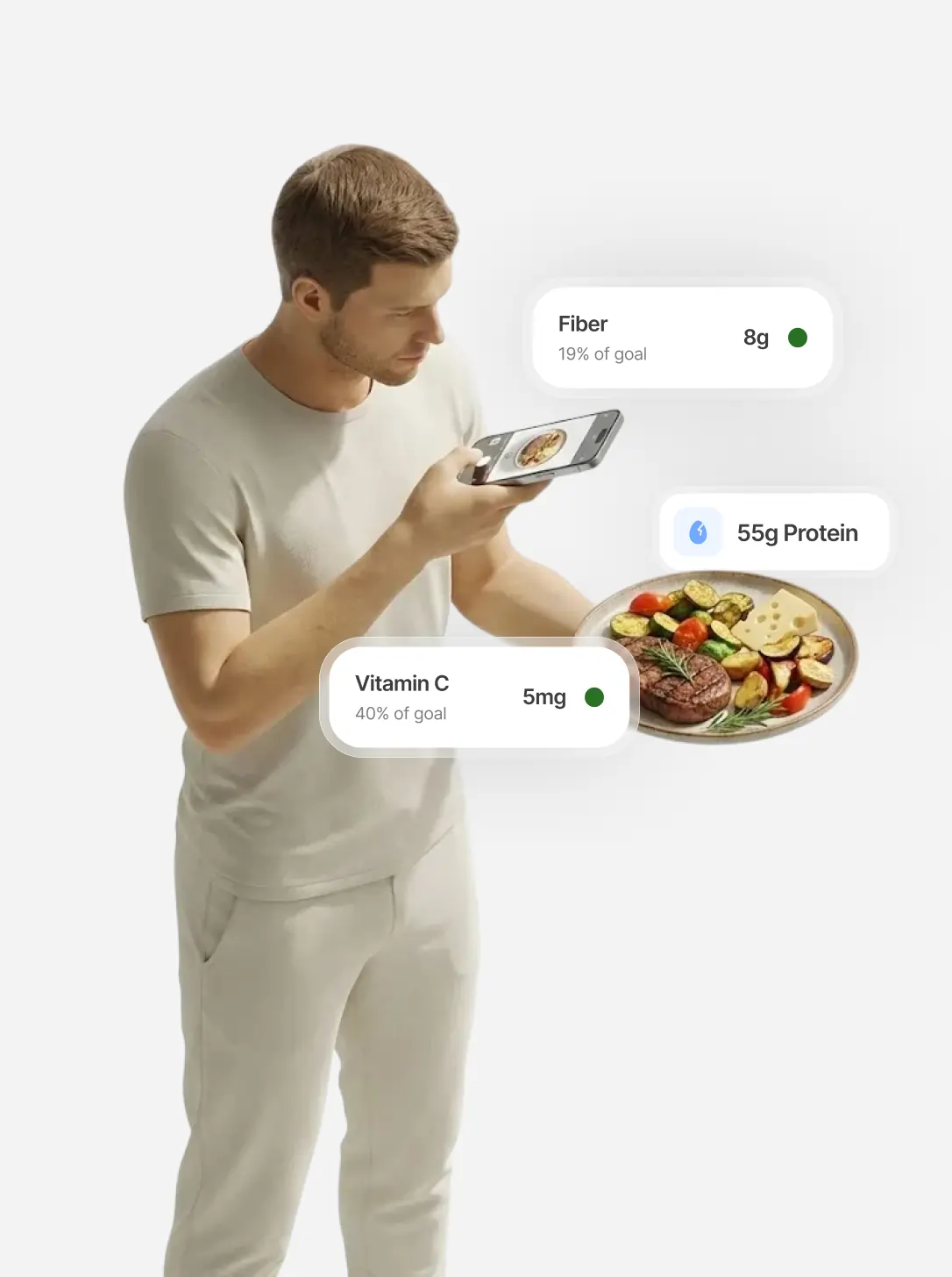
How accurate is photo calorie tracking?
Accurate enough to be useful, not accurate enough to treat as exact. The evidence so far:
- Wide range across systems. A 2023 systematic review in Annals of Medicine screened over 14,000 papers and kept 52 that compared fully automated AI estimates with ground truth. Average relative errors for calories ranged from 0.10% to 38.3%, and errors were lower for images of single or simple foods. Studies used different datasets and methods, so the authors couldn't combine them into one figure and concluded the tools need more development before standing alone in research or clinical use.
- Calories better than fat and protein. In a 2026 test of 15 standardized hospital meals, photographed from above and weighed for ground truth, the best AI models (including ChatGPT-4o and Gemini 1.5 Pro) and registered dietitians often estimated energy and carbohydrates within ±10%. Protein and fat were less accurate for every AI model, and all of them overestimated fat by more than 20% on average. Fifteen meals is a small sample, but it shows the "invisible" nutrients are the hardest.
- Context helps. A 2025 study of 195 dishes tested ChatGPT-5 with a photo alone, a photo with simple descriptors, and a photo with an ingredient list. Errors for calories and all macros fell as more information was added. Removing the photo and giving only the ingredient list made accuracy worse again, so the image itself was contributing.
For comparison, people are not great at this either. In a crowdsourcing study of 2,028 people, the average person estimated only 5 of 20 food photos within 20% of the true calories, the same score as the nutrition experts in the study. A review of image-assisted dietary methods also found that adding photos to traditional food records reduced underreporting in all of the studies it presented.
No single accuracy number applies to every app or every meal. Treat a photo estimate as a strong first draft that you confirm, especially for oily, saucy or mixed dishes.
How to take food photos that give better calorie estimates
- Shoot from directly above. A top-down view shows the full surface area of each food. For tall foods such as a burger or a layered bowl, a second photo from about 45 degrees helps you judge height when you review.
- Get the whole plate in frame, in good light. Cropped edges and dim restaurant lighting hide food and make items harder to name.
- Separate foods where you can. Sauce poured over rice, or a salad with everything tossed together, gives the model less to work with.
- Use a familiar plate or utensil for scale, but don't rely on it. A standard fork or your usual plate gives you a size reference when checking portions. Evidence on reference objects is mixed: in the crowdsourcing study above, people actually estimated worse when photos included a credit card for scale.
- Add a short text note. Mention what the camera can't see: "cooked in 2 tbsp olive oil," "full-fat dressing," "whole milk latte," "extra cheese inside." This is the single most useful habit, based on the 195-dish study.
- Take the photo before you eat. If you finish only half, log the photo and then cut the portions.
- Review before you log. Check that each food is named correctly and that the weights look realistic. Our guide to tracking calories without weighing food has a hand-portion chart for quick sanity checks.
How IntakeAI tracks calories from a photo
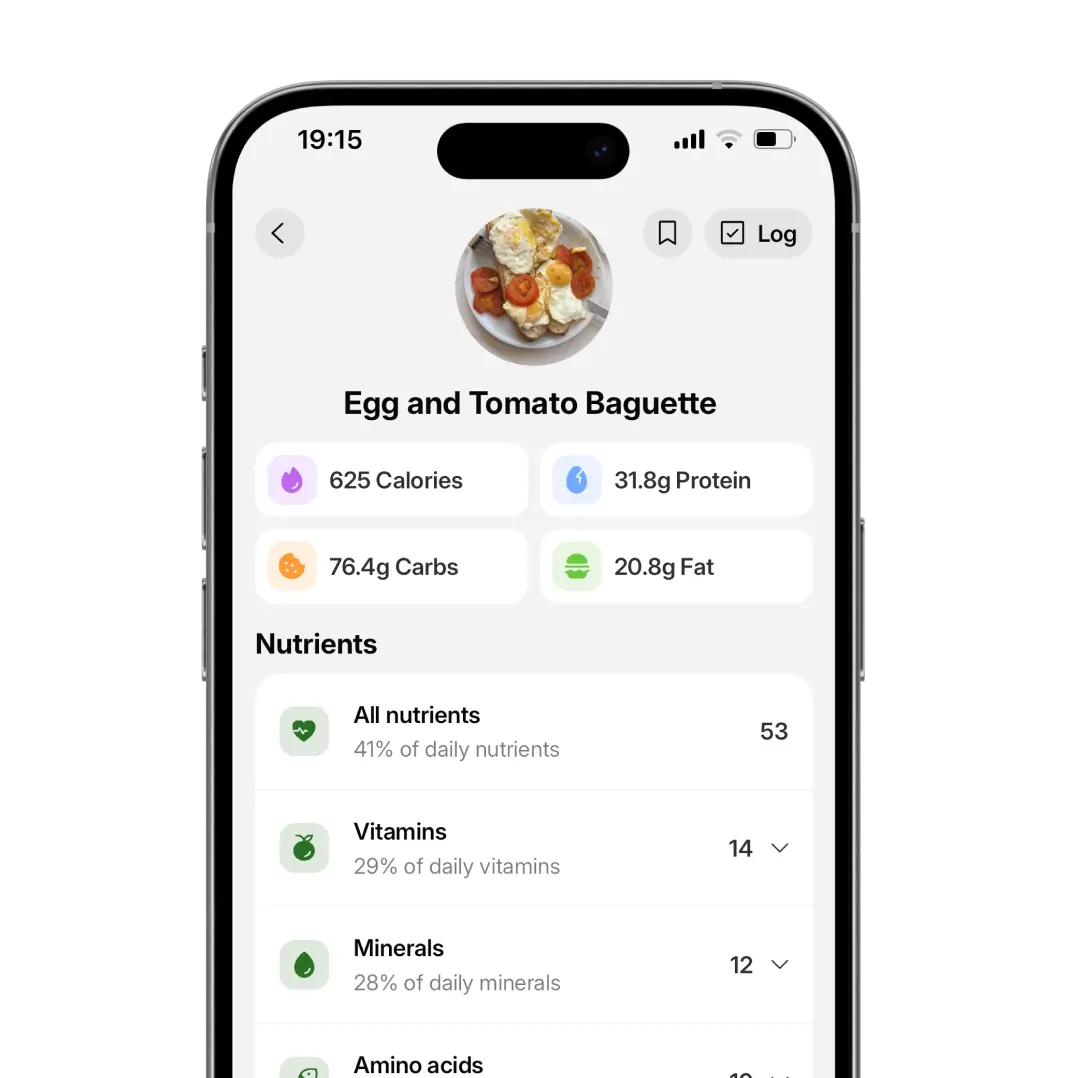
IntakeAI is an iPhone and Android nutrition app designed to help you reduce cravings. It estimates calories, protein, carbs, fat, fiber and more than 50 vitamins, minerals and other nutrients from a meal photo. The flow follows the tips above:
- Take a photo with the camera or choose one from your gallery.
- Add details as text, such as cooking oil, sauces or ingredients hidden inside the dish.
- Review the result: edit each food's portion or weight, replace a food the AI named incorrectly, delete items you didn't eat, or add ones it missed.
- Search the USDA FoodData Central-backed food database when you want a specific entry.
Like every photo-based tracker, IntakeAI can misjudge portion sizes and hidden oils, which is why the review step is built in rather than optional. For packaged foods, its barcode and nutrition-label scanners are usually more precise than a photo; see barcode scanner vs photo tracking for when to use each.
If your main goal is protein, carb and fat targets, our guide on tracking macros by taking a picture goes deeper. For how photo logging compares with every other method, see the easiest way to track calories, macros and nutrients.
When a photo isn't the right tool
- Blended or liquid foods. A smoothie, soup or protein shake looks the same whether it holds 200 or 600 kcal. A typed description of the ingredients works better.
- Packaged foods. Scan the barcode or the nutrition label instead.
- Foods where small amounts matter. Nut butters, oils and cheese are worth measuring with a spoon.
- Medical or clinical diets. If you are managing diabetes, kidney disease or another condition, use photo estimates only alongside the guidance of your care team.
Frequently asked questions
Can an app really count calories from a picture?
Yes, apps can estimate calories from a picture by identifying the foods, estimating portion sizes and looking up nutrition values. Estimates are useful but not exact: published studies report average calorie errors from under 1% to about 38%, depending on the system and how complex the meal is.
What is the most accurate way to use an AI calorie counter from a photo?
Shoot from directly above with the whole plate in good light, add a short text note about cooking oil, sauces and hidden ingredients, then check and edit the portions before logging. Adding context improved AI estimates for calories and macros in a 195-dish study.
Why do AI photo calorie apps get some meals wrong?
Most errors come from portion size and things a camera cannot see, such as cooking oil, butter, sugar and fillings. Mixed dishes, deep bowls and liquids are the hardest. Single, separate foods are estimated most accurately.
Is photo calorie tracking better than weighing food?
Weighing is more precise for each food, but photo tracking is faster and easier to keep up. For most people trying to manage weight, a reviewed photo estimate logged at every meal is more useful than precise weighing that is abandoned after a few weeks.
Does IntakeAI let you correct a photo estimate?
Yes. In IntakeAI you can add details as text, edit the portion or weight of each food, replace or delete foods, and add items the photo missed before logging the meal.
Related guides
The Easiest Way to Track Calories, Macros and Nutrients
Compare every tracking method and find the one you will actually stick with.
READ MORE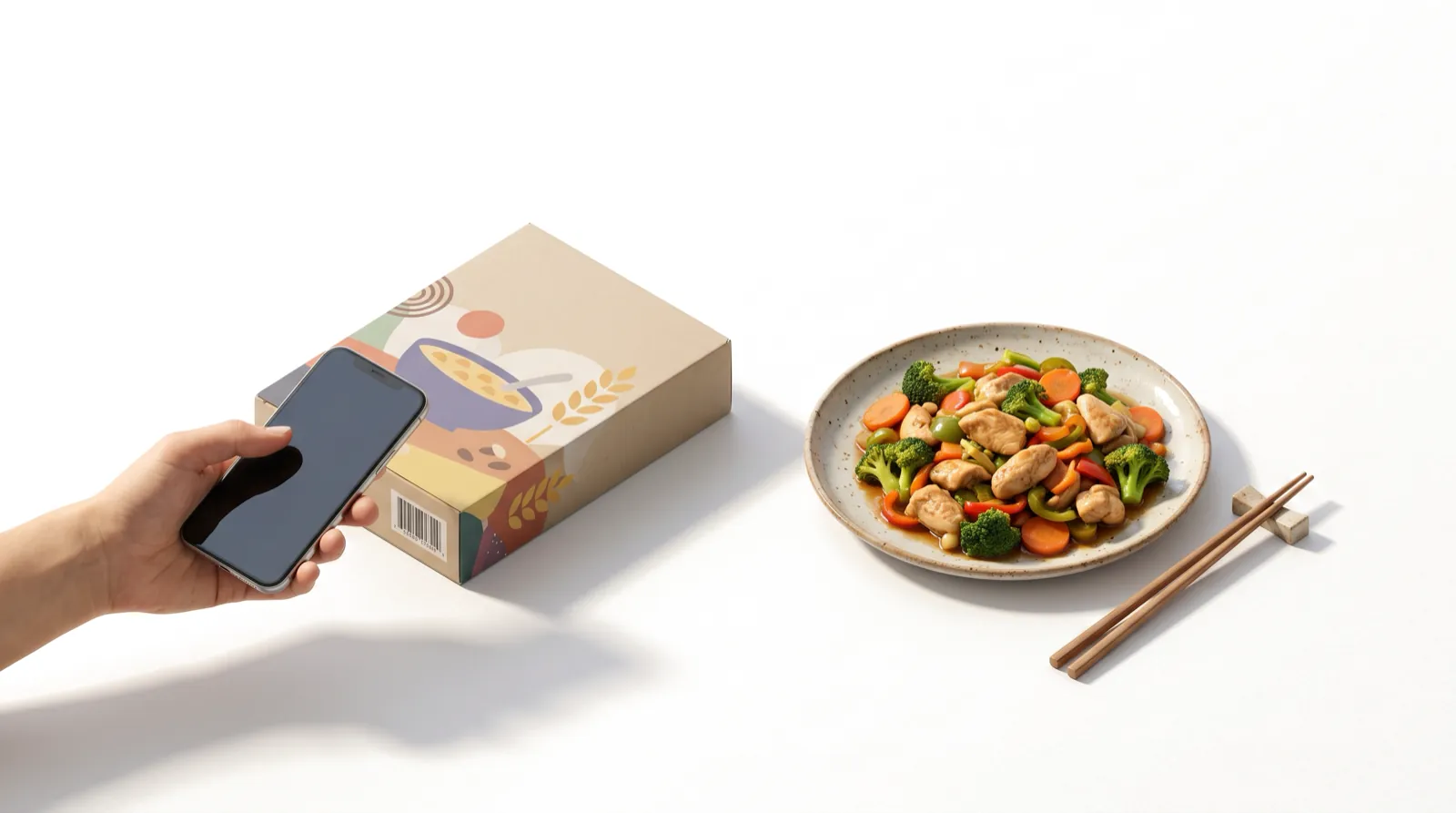
Barcode Scanner vs Photo Tracking: Which Is Better?
Speed, accuracy and best uses for barcode, photo, label scan and text logging.
READ MORE
How to Track Calories When Eating Out
Menu labels, hidden oils and quick estimates for meals you did not cook.
READ MORETrack your next meal from a photo
Take or choose a photo, add details about oils or sauces, and adjust the portions. IntakeAI estimates calories, macros and 50+ nutrients on iPhone and Android.
Sources
- Dalakleidi KV et al. (2022). Applying image-based food-recognition systems on dietary assessment: a systematic review. Adv Nutr. PubMed
- Shonkoff E et al. (2023). AI-based digital image dietary assessment methods compared to humans and ground truth: a systematic review. Ann Med. PubMed
- Isobe T et al. (2026). Accuracy of AI-based nutrient estimation from standardized hospital meal images: a comparison with registered dietitians. Nutrients. PubMed
- Rodríguez-Jiménez M et al. (2025). Image-based dietary energy and macronutrients estimation with ChatGPT-5: cross-source evaluation across escalating context scenarios. Nutrients. PubMed
- Zhou J et al. (2018). Calorie estimation from pictures of food: crowdsourcing study. Interact J Med Res. PubMed
- Boushey CJ et al. (2017). New mobile methods for dietary assessment: review of image-assisted and image-based dietary assessment methods. Proc Nutr Soc. PubMed
- U.S. Department of Agriculture, Agricultural Research Service. FoodData Central. fdc.nal.usda.gov
This article is for general education and is not medical advice. If you have a medical condition, an eating disorder, are pregnant, or take medication, speak to a doctor or registered dietitian before changing your diet. IntakeAI's nutrition figures and scores are estimates to guide your choices.