Barcode Scanner vs Photo Tracking: Which Is Better?
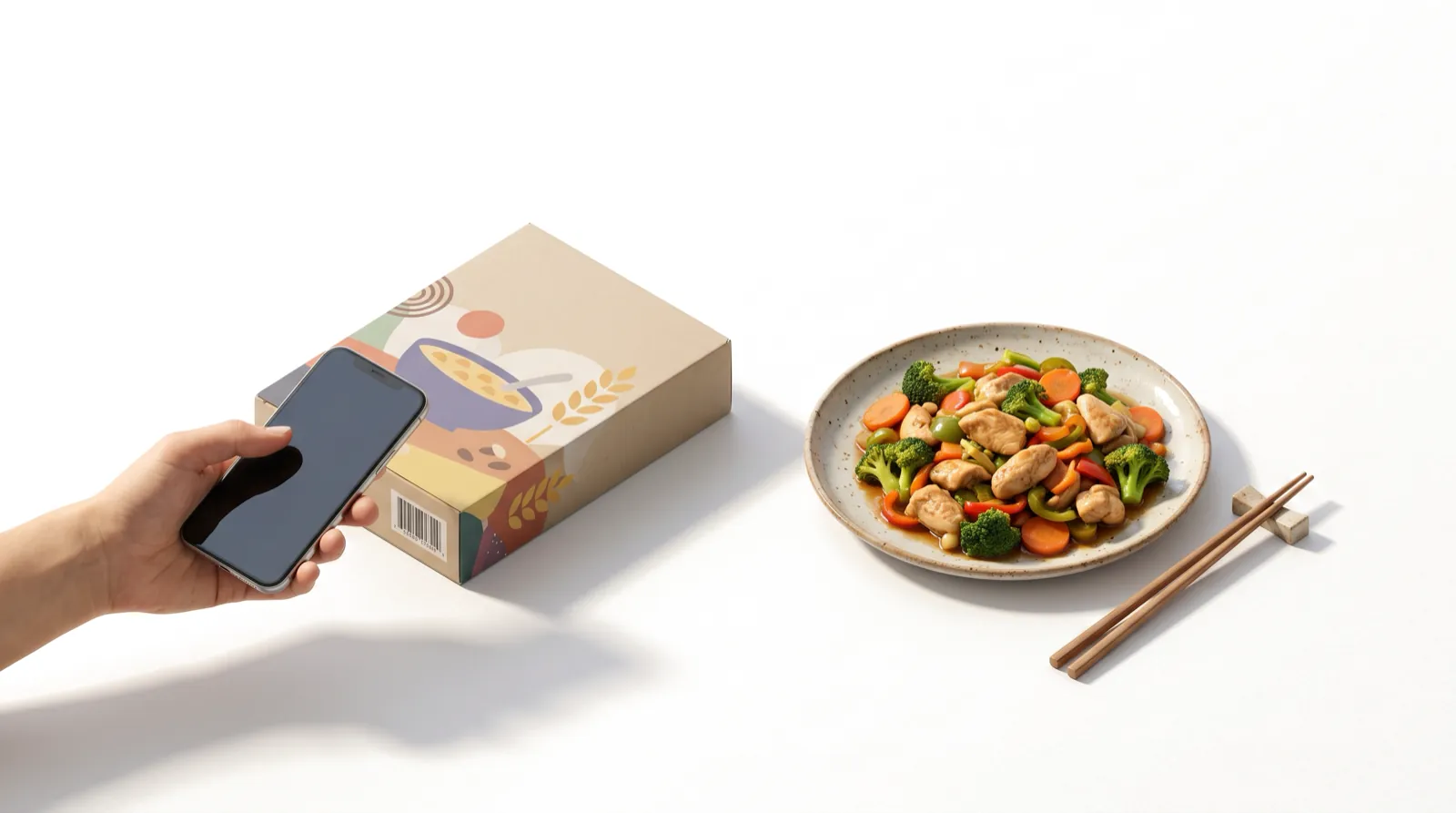
Barcode scanning vs photo tracking: which is better?
Barcode scanning is better for packaged foods, because it uses the manufacturer's label data: a Dutch study found that about 79% of scanned products had energy values within 5% of the true label value. Photo tracking is better for home-cooked and restaurant meals, which have no barcode. Most people eat both kinds of food every day, so the practical answer is to use each where it is strongest rather than choosing one.
Below is a side-by-side comparison of five logging methods, what limits the accuracy of each, and a simple rule for picking the right one at every meal.
Key takeaways
- Barcode scans are fast and usually accurate for energy, but only for packaged foods that are correctly listed in the app's database.
- US labels are not exact: FDA rules allow calories, fat, sugars and sodium to be up to 20% above the declared value before a product is considered misbranded.
- In a lab test of 24 snack foods, measured calories were a median 4.3% higher than the label, still well within FDA limits.
- User-generated database entries can contain errors; one validation study had to remove extreme values before app data matched a reference database.
- Photo tracking covers meals without barcodes but can misjudge portions and hidden oils, so review the estimate before logging.
Barcode, photo, label scan, text and search compared
No method wins on every measure. The table summarizes the trade-offs:
| Method | Speed | Accuracy depends on | Best for | Main weaknesses |
|---|---|---|---|---|
| Barcode scan | Very fast: point and scan | Label values plus whether the app's database entry matches the product | Packaged foods with a barcode | Wrong or missing entries; no help for fresh or restaurant food; servings still need adjusting |
| Photo | Fast: one photo per meal | Portion estimation and hidden oils or sauces | Home-cooked plates, restaurant meals, mixed meals | Can misjudge amounts and miss fats; needs a quick review |
| Nutrition-label scan | Fast | The printed label (within legal tolerances) | Packaged foods whose barcode isn't found or is wrong | Only as good as the label; serving size still matters |
| Text description | Fast for simple meals | How specific you are about amounts and ingredients | Smoothies, soups, snacks, meals you forgot to photograph | Vague descriptions give vague estimates |
| Database search | Slowest: search, pick, enter amount | Picking the right entry and entering the right weight | Single ingredients when you know the grams | Time-consuming for multi-ingredient meals; user-added entries can be wrong |
The table shows that the accuracy of each method is limited by something different. A barcode is only as good as the label and the database entry behind it. A photo is only as good as the portion estimate. A search is only as good as the entry you pick and the weight you enter.
How accurate is a barcode scanner calorie tracker app?
A barcode scan has two possible sources of error: the label itself, and the app's copy of the label.
1. The label has a legal margin
Under the FDA's nutrition labeling regulation, 21 CFR 101.9(g), a product is considered misbranded if its calories, total fat, saturated fat, trans fat, cholesterol, sodium or total sugars are more than 20% above the declared value. Naturally occurring protein, carbohydrates, fiber, vitamins and minerals must be at least 80% of the declared value. In other words, the rule is designed to protect you from too much of the "limit" nutrients and too little of the beneficial ones, rather than to make labels exact. FDA also allows for normal variability in lab testing methods.
| Nutrient on the label | FDA compliance rule | What it means for you |
|---|---|---|
| Calories, total fat, saturated fat, trans fat, cholesterol, sodium, total sugars | Can't be more than 20% above the declared value | Real calories can legally be somewhat higher than the label |
| Naturally occurring protein, carbs, fiber, vitamins and minerals | Must be at least 80% of the declared value | Real amounts can be somewhat lower than the label |
| Added (fortified) vitamins, minerals, protein or fiber | Must be at least 100% of the declared value | Usually at or above the label |
In practice, labels are usually close. A 2013 NIH study measured 24 popular US snack foods by bomb calorimetry and found calories a median 4.3% (6.8 kcal) above the label, mostly explained by slightly larger servings and higher carbohydrate content than stated. That was a small convenience sample of energy-dense snacks, but it suggests label error is small compared with the error of estimating a plate of home-cooked food.
2. The app's database may not match the package
When you scan, the app looks up the barcode in its own database. If that entry is missing, outdated or was typed in incorrectly by another user, you get the wrong numbers with full confidence. A Wageningen University study scanned 100 supermarket products with seven popular diet apps. Energy values were available for 99% of scans, and on average 79% were within 5% of the true value. But the share of products correctly identified ranged from 96% in the best app to 5% in the worst, and the accuracy of other nutrients varied widely. The authors noted that user-generated entries mean results depend on each app's user base.
Track calories & nutrients fast


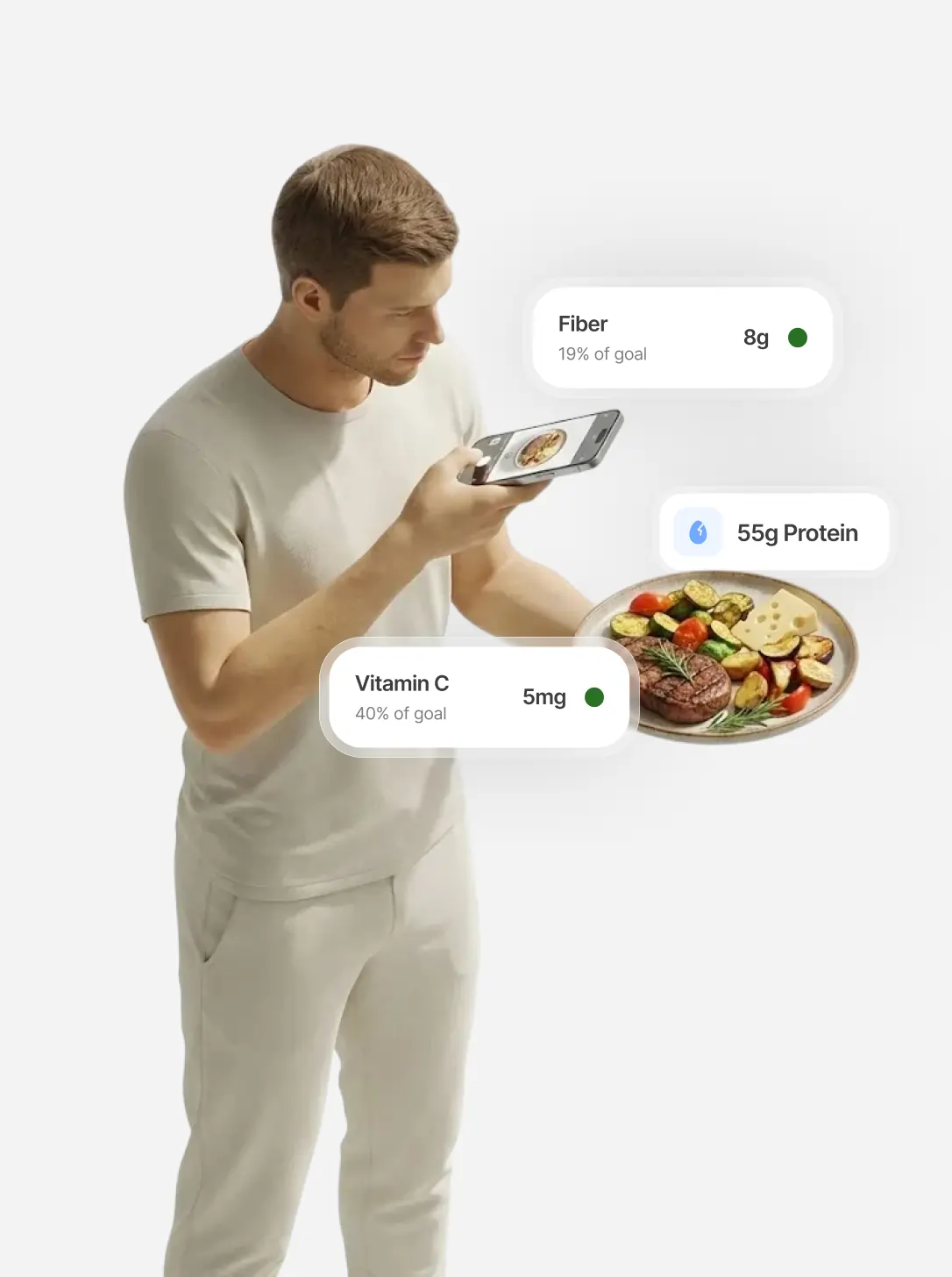
The problem with crowdsourced food databases
Many large food databases let users add entries. That's why they contain so many products, and also why some entries are wrong: a misplaced decimal, per-package values saved as per-serving, or a product reformulated years ago.
A 2020 validation study from KU Leuven had 50 participants record four-day food diaries in MyFitnessPal. Before the app's numbers could be compared with a reference database, the researchers built an algorithm to remove extremely high and likely erroneous values, which rejected 2.8% of entries. After cleaning, energy intake correlated strongly with the reference (r = 0.96), but sodium and cholesterol correlated only weakly.
Ways to protect yourself from bad entries:
- After scanning, glance at the calories and serving size and compare them with the package.
- If they don't match, scan the nutrition label instead of the barcode.
- For whole foods, prefer entries from a reference source such as USDA FoodData Central over user-added ones.
- Adjust the number of servings. A correct barcode entry is still wrong if you ate one and a half servings and logged one.
How accurate is photo tracking by comparison?
Photo tracking solves a different problem: the large share of meals that have no barcode at all. A 2023 systematic review of 52 studies found average AI calorie errors between 0.1% and 38.3%, with simple single foods estimated best. Portion size and invisible fats are the main sources of error, so a photo of a chicken salad with dressing is harder than a photo of an apple. Our explainer on how AI photo calorie tracking works covers the technology and tips for better photos.
The simple conclusion: for a packaged food, a correct barcode entry beats a photo. For a plate of food, a reviewed photo usually beats trying to find and combine five database entries by hand.
Which logging method should you use? A simple rule
- Packaged food with a barcode: scan it, check the entry against the package, then set how many servings you ate.
- Packaged food where the barcode fails or looks wrong: scan the nutrition label.
- A plated meal, home-cooked or from a restaurant: take a photo, add a note about oils and sauces, and adjust portions. For restaurant-specific advice, see how to track calories when eating out.
- A smoothie, soup or something you already ate: type a description with the main ingredients and amounts.
- A single ingredient you weighed: search the database and enter the grams.
- A meal you eat often: re-log it from your recent meals instead of starting again.
Using every method in one app
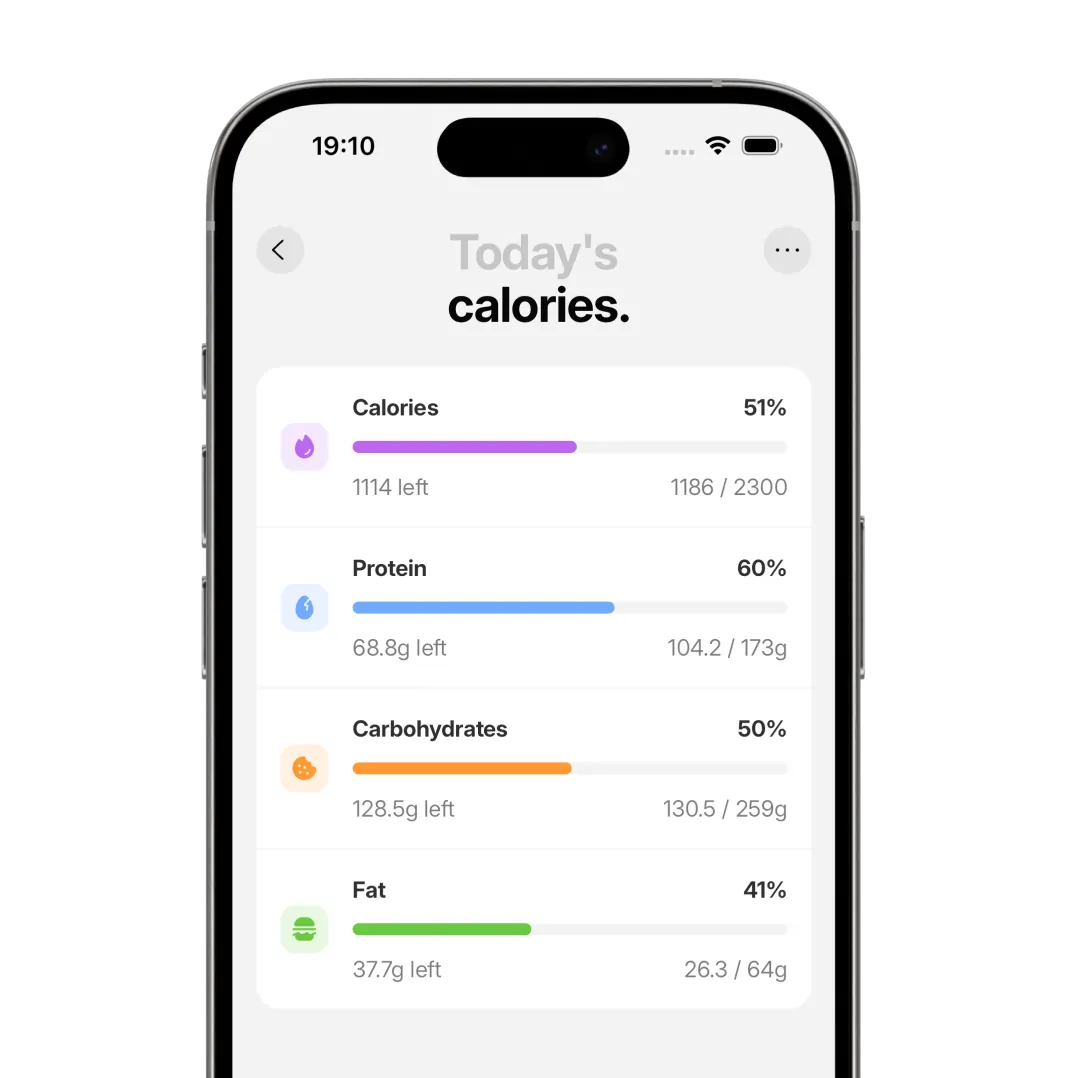
Switching between apps for different foods is the kind of friction that makes people stop logging. IntakeAI is an iPhone and Android nutrition app designed to help you reduce cravings. It estimates calories, macros and 50+ nutrients from a barcode, a nutrition-label scan, a meal photo or a typed description, with a food search backed by USDA FoodData Central. Whichever method you use, the food lands in the same daily totals, and you can edit portions, replace foods or delete them if an estimate looks wrong.
If manual logging is what makes you quit, our guide on tracking calories without logging everything manually covers more ways to cut the time. For the full overview of methods, see the easiest way to track calories, macros and nutrients.
Frequently asked questions
Is barcode scanning more accurate than photo tracking?
For packaged foods, usually yes, because a barcode pulls the manufacturer's label values. A Dutch study found that on average 79% of scanned products had energy values within 5% of the true value. For meals without a barcode, a reviewed photo is the more practical option.
How accurate are nutrition labels in the US?
Nutrition labels are close but not exact. FDA rules treat a product as misbranded if calories, fat, sugars or sodium are more than 20% above the label, and naturally occurring nutrients such as protein and fiber must be at least 80% of the label. A study of 24 snack foods found calories a median 4.3% above the label.
Why does my barcode scanner show the wrong calories?
The app's database entry may be missing, outdated or entered incorrectly by another user, or the serving size may not match what you ate. Compare the entry with the package, scan the nutrition label if they differ, and adjust the number of servings.
Can you scan a barcode for restaurant or home-cooked food?
No. Barcodes only exist on packaged products. For restaurant and home-cooked meals, use a photo with a short note about oils and sauces, a text description, or a database search with estimated portions.
Does IntakeAI have a barcode scanner?
Yes. IntakeAI supports barcode scanning, nutrition-label scanning, meal photos and typed text descriptions, plus a food search backed by USDA FoodData Central, all feeding into the same daily totals.
Related guides
The Easiest Way to Track Calories, Macros and Nutrients
Compare every tracking method and find the one you will actually stick with.
READ MORE
Track Calories From a Photo: How AI Food Tracking Works
What photo calorie counters do well, where they struggle and how to get better results.
READ MORE
How to Track Calories Without Logging Everything Manually
Cut logging time with photos, scans, text and saved meals.
READ MOREScan, snap or type: log food your way
IntakeAI supports barcode scans, nutrition-label scans, meal photos and text descriptions, and tracks calories, macros and 50+ nutrients on iPhone and Android.
Sources
- U.S. Code of Federal Regulations. 21 CFR 101.9(g), Nutrition labeling of food: compliance. eCFR
- Jumpertz R et al. (2013). Food label accuracy of common snack foods. Obesity. PubMed
- Maringer M et al. (2019). Food identification by barcode scanning in the Netherlands: a quality assessment of labelled food product databases underlying popular nutrition applications. Public Health Nutr. PubMed
- Evenepoel C et al. (2020). Accuracy of nutrient calculations using the consumer-focused online app MyFitnessPal: validation study. J Med Internet Res. PubMed
- Shonkoff E et al. (2023). AI-based digital image dietary assessment methods compared to humans and ground truth: a systematic review. Ann Med. PubMed
- U.S. Department of Agriculture, Agricultural Research Service. FoodData Central. fdc.nal.usda.gov
This article is for general education and is not medical advice. If you have a medical condition, an eating disorder, are pregnant, or take medication, speak to a doctor or registered dietitian before changing your diet. IntakeAI's nutrition figures and scores are estimates to guide your choices.