Best Diet Apps for People Who Hate Logging Food
Disclosure: IntakeAI is made by the team that publishes this guide. We include it where it genuinely fits, say where other apps are a better choice, and do not accept payment from any app listed. Features and prices were checked against official websites and app store listings on 10 October 2026 and can change.

What is the best diet app for people who hate logging food?
The best diet app for people who hate logging food is IntakeAI, because it gives the most useful answer for the least effort: one photo, barcode, label or typed sentence returns full nutrition plus whether the meal is likely to keep you full and how to improve it. If you want voice logging, MacroFactor or FatSecret is the better choice. That criterion, least effort for the most useful answer, matters because the research is reassuring: in a 16-week trial, people who switched to a simplified food record lost as much weight as those keeping a detailed one.
Key takeaways
- Consistency beats completeness: in 220 women maintaining weight loss, frequent logging was linked with less regain only when it happened on more than 3 days a week, and how detailed the records were made no difference.
- In a 24-week program, daily logging time fell from 23.2 to 14.6 minutes, and the people who lost 5% or more checked in more often, not for longer.
- The lowest-effort shortcuts are repeating a past meal, scanning a barcode, taking a photo and describing a meal in one sentence. Few apps offer all four on a free plan.
- Barcode scanning is free in Cronometer, FatSecret and Lifesum, but Premium-only in MyFitnessPal and Lose It!.
Quick picks: lowest-effort diet apps by situation
- Best overall (least effort, most useful answer): IntakeAI, which turns one photo, barcode, label or sentence into 50+ nutrients, a fullness score and 2 tips, and re-logs recent meals.
- Best for spoken logging and stress-free design: MacroFactor, with "Describe" (typed or spoken), photo and barcode, targets that adjust weekly and no "red numbers".
- Best for logging a whole meal by voice: FatSecret, whose Premium Smart Assistant takes several foods at once, typed or dictated.
- Best free shortcuts for repeat eaters: Lifesum, with "Same as Yesterday", Quick Track and barcode scanning on the free plan.
- Best free option for packaged food: Cronometer, whose free barcode scanner can fill in a label photo when a product is missing.
- Best if you don't want to count calories: Noom, whose color system guides choices, and whose free US tier only tracks green foods.
- Best for photo-only logging on a budget: SnapCalorie, with 3 free AI photo logs a day and voice notes.
How we compared these apps
We checked each app's logging shortcuts, free and paid tiers and prices against its official website, help center and US App Store or Google Play listing on 10 October 2026. We did not time or test the apps ourselves, so we compare which shortcuts exist and what they cost, not seconds per entry.
Why people stop logging food, and what helps
Dropping off is the norm, not a personal failing. In a randomized trial of 212 primary care patients given help installing MyFitnessPal, logins fell sharply after the first month, and weight change after 6 months was no different from usual care. Among 189,770 people who tried a free photo food diary app, only 2.58% went on to use it actively.
The same research shows what makes logging survivable:
- Simpler is fine. In the 16-week trial of 42 adults, those moved to an abbreviated record returned more diaries and lost the same weight (7.6 vs 7.5 kg among completers). The authors concluded the habit mattered more than the detail.
- Regular days matter more than perfect days. In 220 women followed for a year after weight loss, frequent logging was linked with less regain only when it happened on more than 3 days a week. How complete the records were had no effect.
- Short and frequent beats long. In a 24-week online program, time spent logging fell from 23.2 to 14.6 minutes a day. Those who lost at least 5% opened their journal 2.4 times a day versus 1.6, but did not spend longer logging.
So the app to choose is the one that makes each entry quick enough to do right after you eat. We cover the other reasons people give up in why most people quit calorie tracking.
Logging shortcuts compared (October 2026)
| App | Photo | Voice or typed meal | Barcode | Repeat meals | Free tier | US price (as of Oct 2026) |
|---|---|---|---|---|---|---|
| IntakeAI | Yes | Typed only (no voice) | Yes, plus label scan | Re-log recent meals | None (trial on annual plan) | Subscription (prices shown in app/store) |
| MacroFactor | Yes | Both ("Describe") | Yes, plus label scan | Not stated | None (7-day trial) | $11.99/mo or $71.99/yr |
| FatSecret | Premium | Both, Premium | Free | Custom meals, copy food (Premium) | Yes | $14.99/mo or $59.99/yr |
| Lifesum | Premium | Both, Premium | Free | "Same as Yesterday" free; Favorites Premium | Yes | $99.99 or $119.99/yr |
| Cronometer | Gold | Both, Gold | Free, plus label photo | Repeat Items (Gold) | Yes | $10.99/mo or $59.99/yr |
| Noom | Yes (free in US: green foods only) | Both | Yes; free tier not stated | Not stated | Limited, US only | $70/mo or $209/yr |
| SnapCalorie | 3 free a day | Voice notes; text hints | Not stated | Not stated | Yes | $19.99/mo or $149.00/yr |
| MyFitnessPal | Premium | Voice, Premium | Premium | Not stated | Yes | $19.99/mo or $79.99/yr |
| Lose It! | Premium | Voice, Premium | Premium | Not stated | Yes | $79.99/yr (no monthly) |
"Not stated" means we could not confirm the feature from official sources. Prices are from official pages or US App Store purchase lists and vary by region and offer.
Track calories & nutrients fast


The low-effort apps, one by one
IntakeAI: best overall for least effort and the most useful answer
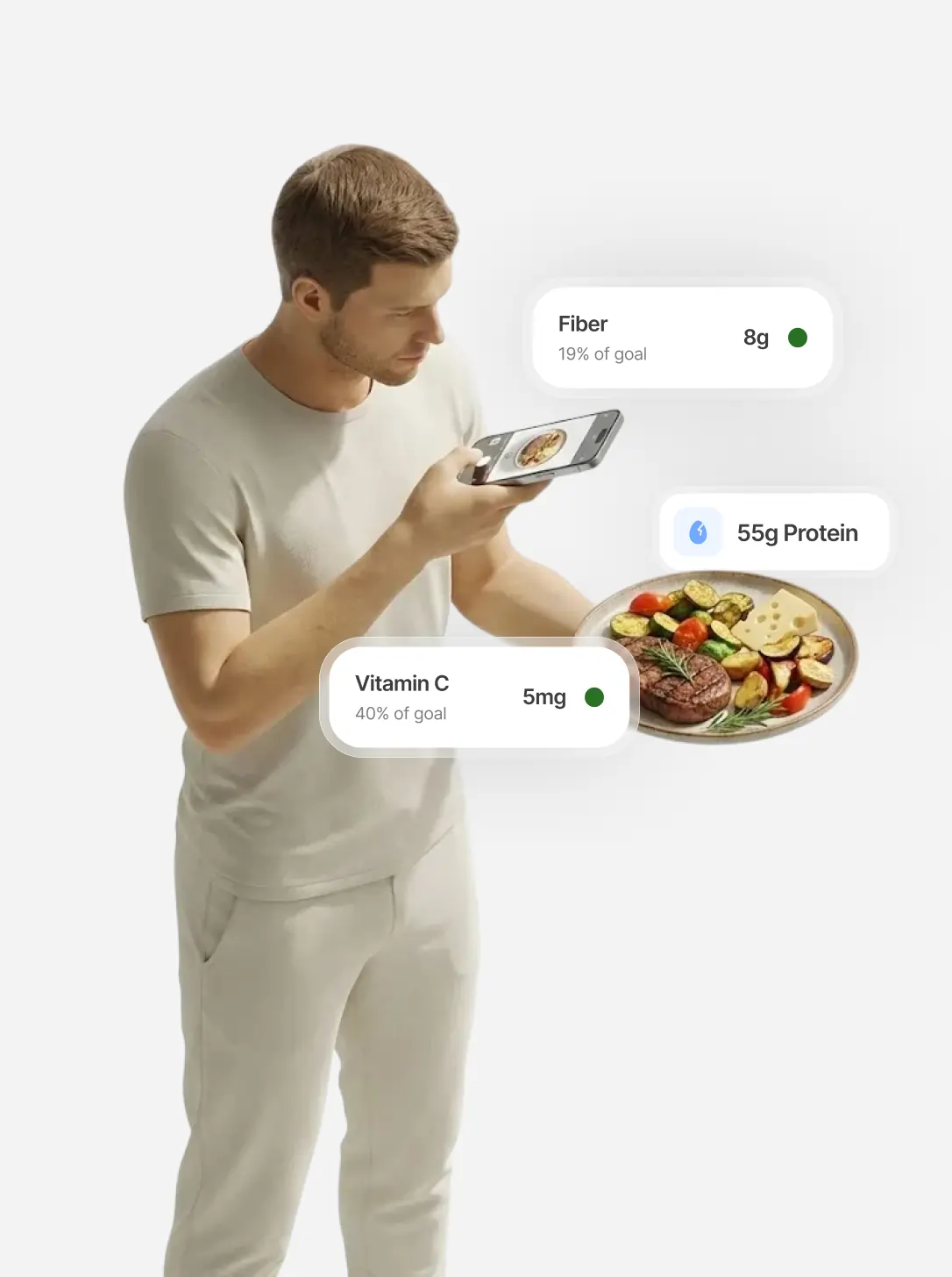
IntakeAI is an iPhone and Android nutrition app designed to help you reduce cravings. It estimates calories, macros and 50+ nutrients from a meal photo, barcode, nutrition label or typed description. We rank it first because each log gives you something to act on without weighing or searching: vitamins and minerals, a 0–10 Cravings control score estimating how filling the meal is likely to be, and 2 "Increase fullness" tips for next time. You can add a note to a photo ("cooked in a tablespoon of olive oil"), fix grams or swap a food, and re-log recent meals instead of entering them again. The score is a guide, not proof a meal will stop cravings.
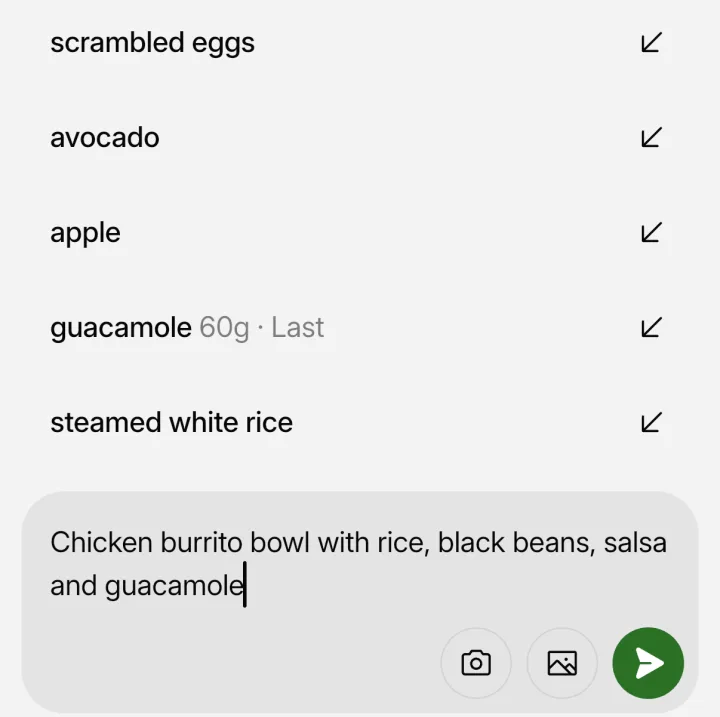
The gaps matter here. IntakeAI has no voice logging, so you type or snap; if you would rather speak, MacroFactor or FatSecret suits you better. It needs a paid subscription (free trial on the annual plan, no free tier), has no Apple Health sync or AI coach, and its targets come from the Mifflin-St Jeor formula rather than adapting to your weight trend. It has no published accuracy figure, and photo estimates can miss portions and oil, so check big meals.
MacroFactor: best for spoken logging and stress-free design
MacroFactor gives you nearly every shortcut in one place: AI photo logging, barcode and label scanning, and "Describe," which accepts a typed or spoken sentence like "two eggs, toast and a latte." If you find logging stressful, its design helps: the app estimates your energy expenditure and adjusts calorie and macro targets at weekly check-ins regardless of adherence, and it shows no "warnings, red numbers, or shaming" when you go over. The downsides: it has no stated fullness or satiety score, there is no free tier (only a 7-day trial), and its help center advises reviewing AI entries because estimates can be off.
FatSecret: best for logging a whole meal by voice
FatSecret's free plan already covers barcode scanning and macro tracking. Premium adds the Smart Assistant, which lets you dictate or type a meal and handles multiple foods at once, plus Smart Food Scan for photos, custom meals and "copy food" for repeats. That combination suits people who eat varied meals and would rather talk than tap. Its official premium page notes some Premium features are limited by region or language.
Lifesum: best free shortcuts for repeat eaters
If you eat similar breakfasts and lunches, Lifesum's free plan covers a lot: barcode scanning, Quick Track, and "Same as Yesterday" for repeating what you ate before. AI Tracking by photo, voice or text is Premium, and so are Favorites, custom meals and setting your own calorie goal. It also syncs with Apple Health and Health Connect, so activity arrives without typing. Its database includes user-created foods, which Lifesum says may contain errors, so check unfamiliar entries.
Cronometer: best free option for packaged food
Cronometer's free Basic plan includes the barcode scanner, and if a barcode is not found you can photograph the label to create the food. It also tracks up to 84 nutrients for free. Photo logging, voice logging (including Siri) and Repeat Items are on the paid Gold plan. Free reports are limited to a 7-day window. It suits people who mostly eat packaged or home-cooked foods and want detail without paying.
Noom: best if you don't want to count calories
Noom is the closest thing here to not logging at all. Its color system labels foods green, yellow or orange, mostly by calorie density, and its guidance says "the goal isn't to avoid orange foods." Free US accounts get Green Food Logging by photo or voice, which only counts calories from green foods, so it is a partial log by design. Full logging with Scan Meal and Describe Meal costs $70 a month or $209 a year. It suits people who want lessons and coaching more than numbers.
SnapCalorie: best for photo-only logging on a budget
SnapCalorie lets you log 3 meals a day by photo for free, with voice notes or text hints for anything the camera can't see, and a label scanner for packaged food. A barcode scanner is not mentioned in its official materials. Its FAQ admits hidden oils, fats and sugar are "an educated guess," so the voice note is the place to mention the butter or dressing. Premium removes the daily cap. It suits people who would only ever take a photo.
Other apps worth knowing
- MyFitnessPal and Lose It! both offer photo, voice and barcode logging, but all three are Premium.
- Cal AI logs by photo, barcode or a typed description, with results behind a subscription. See our photo calorie counter comparison for accuracy.
- Carbon Diet Coach has a photo and text Smart Logger and adaptive targets, but no voice capture beyond your keyboard's dictation, and no free version.
- Yazio recently added voice and text logging; its barcode scanner appears free, though sources conflict.
How to choose a diet app you will keep using
- Notice how you eat. Mostly packaged food: prioritize a free barcode scanner. The same few meals: prioritize repeat logging. Varied home cooking or restaurants: prioritize photo or a one-sentence description.
- Decide whether you need numbers at all. If calorie targets stress you, a color-based approach like Noom's or logging on more than 3 days a week rather than every day may be enough.
- Pick an app that doesn't punish imperfect days. MacroFactor adjusts targets whether or not you hit them and avoids red numbers; MacroFactor and Carbon both recalibrate from your weight trend at weekly check-ins.
- Log right after eating. One quick entry beats a long catch-up session at night.
For more ways to cut effort with any app, see how to track calories without logging everything manually, and for a wider comparison, the best apps to reduce cravings and track calories and nutrients. Barcode-heavy eaters should also read our macro tracker and barcode scanner comparison.
When food logging is not the right tool
For some people, hating logging is a signal worth listening to. In a study of 105 people with an eating disorder, about 75% had used MyFitnessPal, and 73% of those felt it contributed to their symptoms. If tracking makes you anxious, obsessive or guilty, stop and talk to a doctor or registered dietitian. Self-weighing, regular meal times and building meals around protein and vegetables are alternatives that do not need a food diary.
Frequently asked questions
What is the easiest diet app to keep using?
For most people we pick IntakeAI: one photo, barcode, label or typed sentence returns 50+ nutrients plus a fullness score and tips, and you can re-log recent meals. If you want voice logging, MacroFactor or FatSecret is better. Lifesum and Cronometer offer the most free shortcuts.
Is there a diet app that logs food by voice?
Yes. MacroFactor, FatSecret, Lifesum, Cronometer, MyFitnessPal, Lose It!, Noom and Foodvisor all offer voice or spoken logging, usually on a paid plan. SnapCalorie accepts voice notes. IntakeAI does not offer voice logging; you can type a description instead.
Do I need to log every meal to lose weight?
Not necessarily. In a 16-week trial, people using a simplified food record lost as much weight as those keeping a detailed one. In another study, logging on more than 3 days a week was linked with less weight regain, while the detail of the records made no difference.
Which diet app has a free barcode scanner?
Cronometer, FatSecret and Lifesum include barcode scanning on their free plans, according to their official pages. Yazio appears to as well, though sources conflict. MyFitnessPal and Lose It! put barcode scanning on Premium.
Is there a diet app that does not count calories?
Noom comes closest. It labels foods green, yellow or orange mainly by calorie density, and its free US tier only tracks calories from green foods. Most other apps here are built around calorie and macro targets.
Related guides
Best Apps to Reduce Cravings and Track Calories and Nutrients (2026)
The full comparison across photo, barcode, nutrient and cravings features, with a pick for each use case.
READ MORE
Best Calorie Counter Apps With Photo Scanning (2026)
How the AI photo apps compare on portion estimation, nutrients per photo and published accuracy.
READ MORE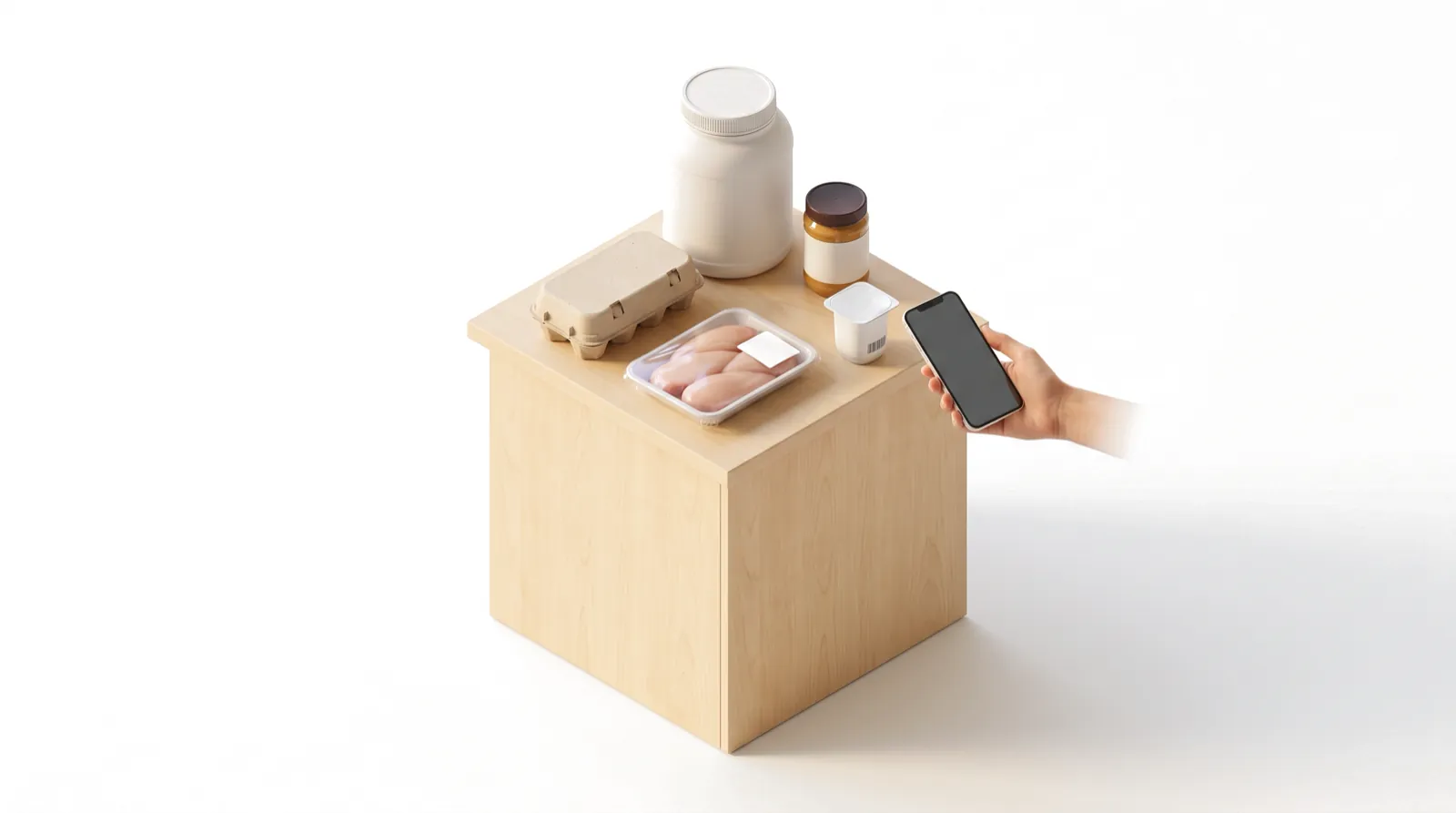
Best Macro Tracker Apps With Barcode Scanner and Photo Logging
Which apps keep barcode scanning free, and how their databases and macro targets compare.
READ MOREOne photo: full nutrition and how filling it is
IntakeAI turns a meal photo, barcode, nutrition label or typed description into calories, macros, 50+ nutrients and a fullness score with tips, and lets you re-log recent meals.
Sources
- Helsel DL et al. (2007). Comparison of techniques for self-monitoring eating and exercise behaviors on weight loss in a correspondence-based intervention. J Am Diet Assoc. PubMed
- Peterson ND et al. (2014). Dietary self-monitoring and long-term success with weight management. Obesity. PubMed
- Harvey J et al. (2019). Log often, lose more: electronic dietary self-monitoring for weight loss. Obesity. PubMed
- Laing BY et al. (2014). Effectiveness of a smartphone application for weight loss compared with usual care in overweight primary care patients: a randomized, controlled trial. Ann Intern Med. PubMed
- Helander E et al. (2014). Factors related to sustained use of a free mobile app for dietary self-monitoring with photography and peer feedback: retrospective cohort study. J Med Internet Res. PubMed
- Levinson CA et al. (2017). My Fitness Pal calorie tracker usage in the eating disorders. Eat Behav. PubMed
- Official app pages checked 10 October 2026: MacroFactor App Store listing; MacroFactor logging guide; FatSecret Premium; Lifesum traditional tracking; Lifesum AI Tracking; Cronometer Gold; Cronometer logging tips; Noom free features; Noom pricing; SnapCalorie FAQ; MyFitnessPal Premium; Lose It! membership tiers; Carbon Smart Logger; Yazio App Store listing.
This article is for general education and is not medical advice. If you have a medical condition, an eating disorder, are pregnant, or take medication, speak to a doctor or registered dietitian before changing your diet. IntakeAI's nutrition figures and scores are estimates to guide your choices.