Track calories with a photo & curb cravings
IntakeAI is a calorie and nutrient tracker for iPhone and Android. Snap a meal to see its calories, macros, 50+ nutrients and a fullness score, designed to help you lose weight with fewer cravings.




1,000,000+ Meals scanned

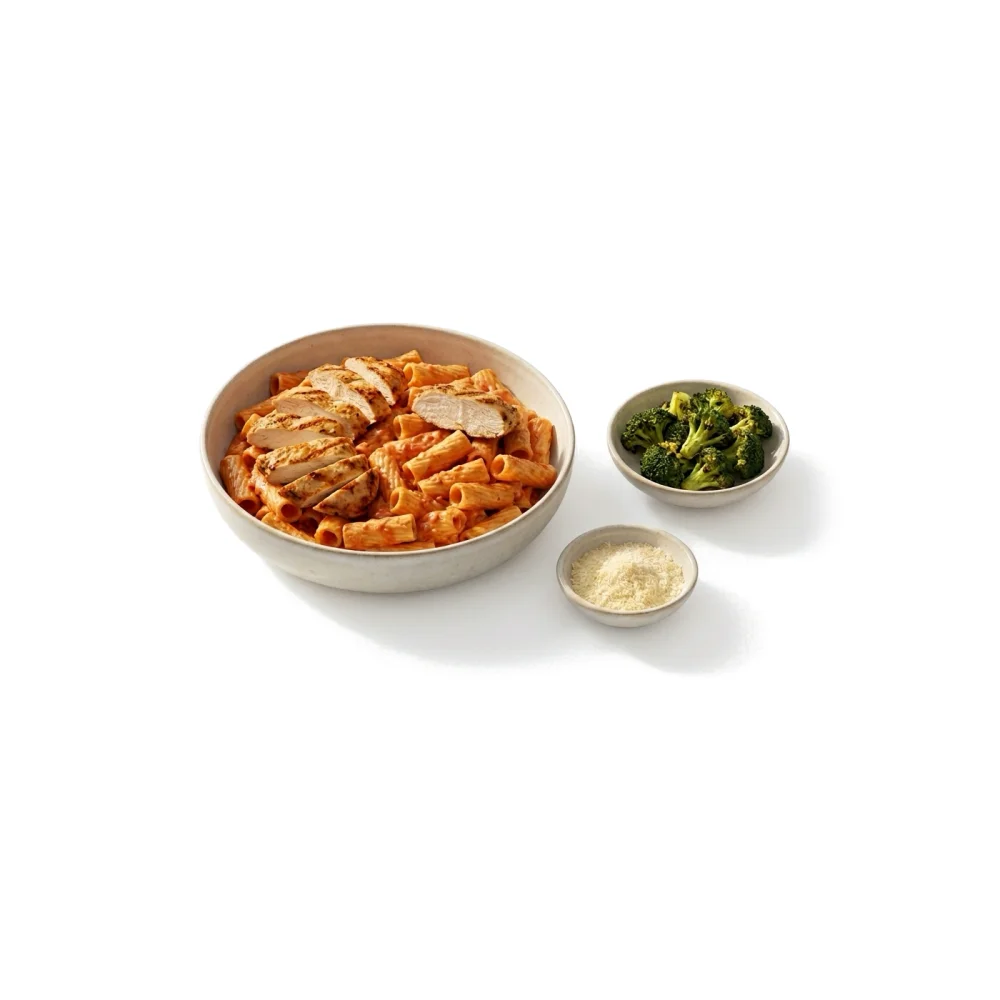
Find the meals that keep you fuller for longer

Nutrients support your skin, mood & more

Spot the nutrient gaps calories don’t show
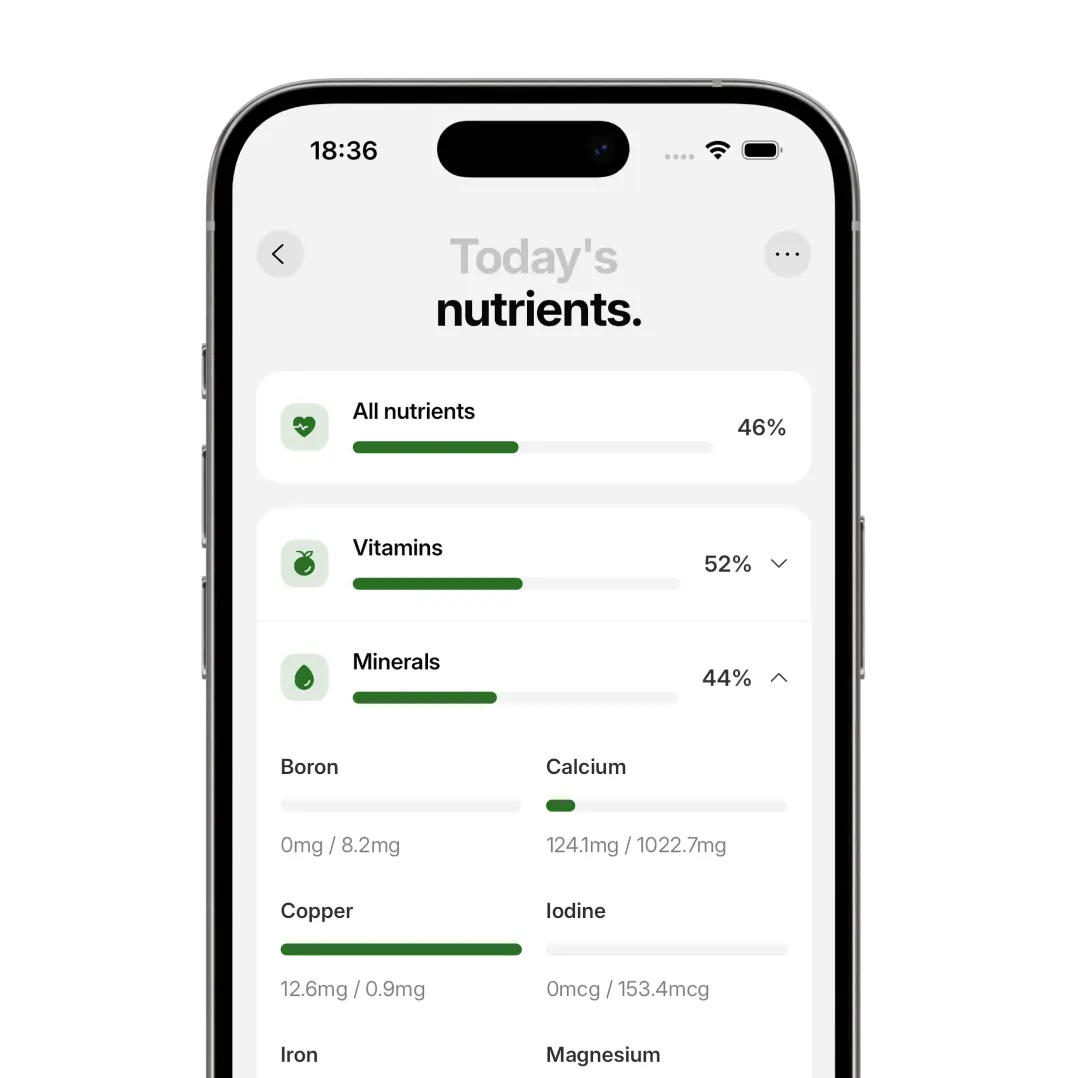
Finally get the nutrients you didn't know you needed
What people say about IntakeAI
iPhone users on tracking calories, macros and nutrients with IntakeAI.

This calorie tracker app is amazing and makes managing my nutrition so much easier. The layout is super simple to use, and one of the best features is being able to take a picture of your food - even if you're eating out - and it instantly gives you all the nutritional info.
Perfect for anyone trying to increase testosterone and lose weight or gain muscle, it makes it easy. Doesn't just track calories and macros like other apps, also tells you all the nutrients in your meal
This app is amazing, I can take a picture of my meal and it literally shows me exactly what I'm eating and how much of it and if it's good for me
3 simple steps from photo to full nutrient breakdown
Snap your meal, see your nutrient breakdown, and get targeted food suggestions — all powered by the gold-standard USDA database.

Snap your meal
Capture your meal in a quick photo — no weighing, no manual logging.

Get your nutrient breakdown
Get calories, macros, and 50+ nutrients so you know exactly what fuels you.

Fix your nutrient gaps
Track a day's meals to uncover missing nutrients and get food suggestions to fill them.
Which nutrition tracker is right for you?
Choose IntakeAI if you want calories, macros and 50+ nutrients from a photo, plus a score for how filling each meal is. Cronometer is built for logging foods by hand, with photo logging on its paid Gold plan. MyFitnessPal has a large food database, but photo logging and barcode scanning need Premium. Cal AI shows calories and macros from a photo, but no fullness score.
| Features | IntakeAI | Cronometer | MyFitnessPal | Cal AI |
|---|---|---|---|---|
| Track meals by photo or description |
 Yes
Yes
|
Yes
|
Yes
|
Yes
|
| Track 50+ nutrients & calories |
Yes
|
Yes
|
 No
No
|
No
|
| Nutrient data from the USDA database |
Yes
|
Yes
|
No
|
No
|
| Score for how filling each meal is |
Yes
|
No
|
No
|
No
|
| Shows missing vitamins & minerals, and foods to fill them |
Yes
|
Yes
|
No
|
No
|
- iPhone & Android
- No account needed
- Paid subscription
- Free trial on the annual plan
- Log by photo, barcode, label or text
- 4.8★ from 42 App Store ratings
See what’s in every meal, and what’s missing
Track calories, macros and over 50 nutrients with just a photo, and get food suggestions for the nutrients you’re missing.